
How to get started
Give the camera a clear view.
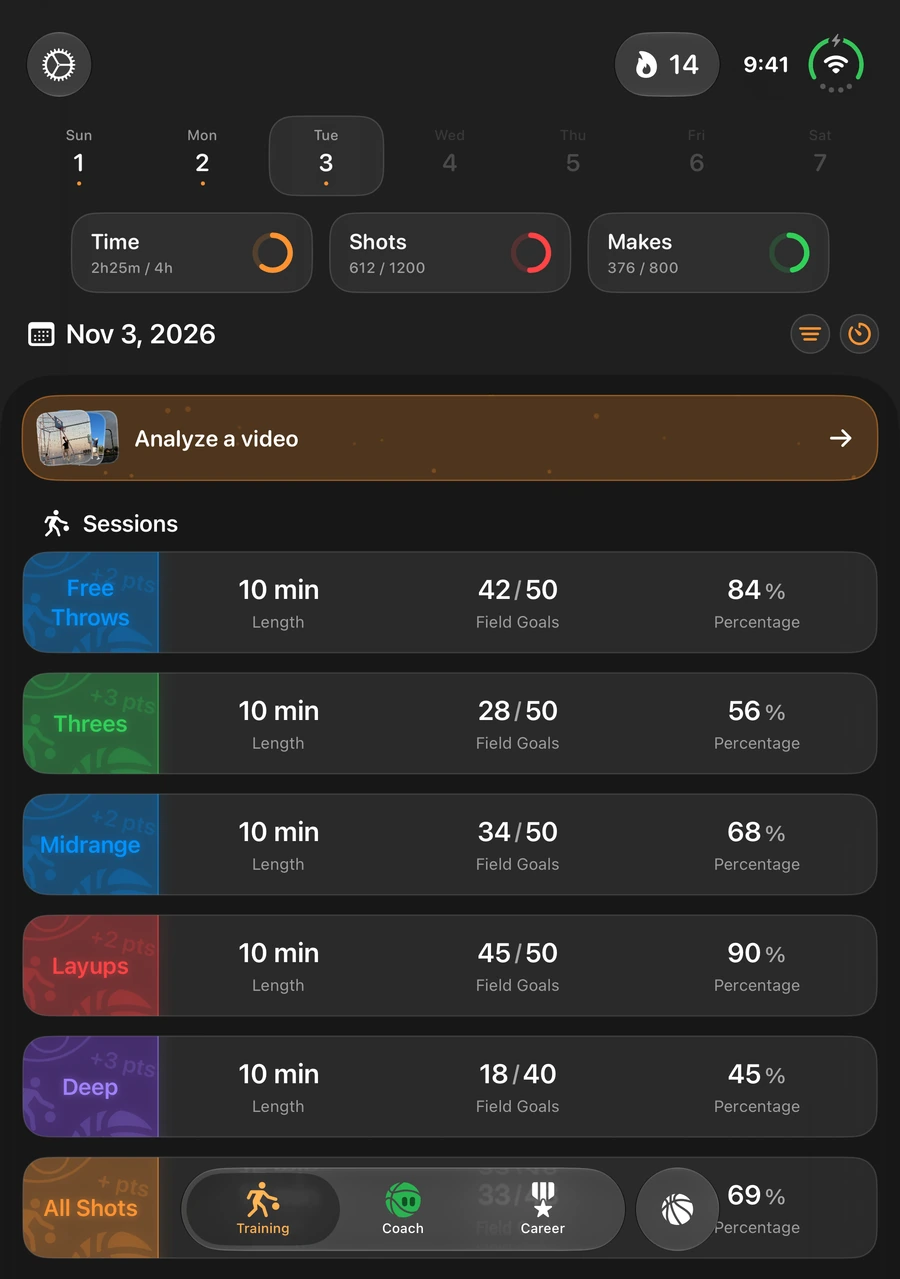
Place your phone safely away from play, with the hoop and shot path visible. Keep the recording steady and avoid blocking the rim. You can also select an existing shooting video through the app’s import flow.
Analyze and review.
Start analysis on your phone. If Hoopy asks for help locating the hoop, identify the intended rim. Review the proposed shots and outcomes, replay uncertain moments, and use the available correction controls.
Save a record you have checked.
Resolve the review before saving your session. Use the saved session alongside the drill and shot type you practiced. Share a session card or supported video export only when you choose a destination.
What does basketball video analysis do?
The app helps identify shot attempts in recorded practice so you can review what happened without logging every moment while filming. The useful result is a checked session record—not an unquestionable automated score.
Visibility, camera angle, lighting, obstructions, and the kind of drill can affect detection. If an attempt is missed or a proposed outcome looks wrong, use review and correction rather than treating the original detection as final.
A review tool for your shooting routine
Pick one focus before you film: finishing, free throws, midrange, or three-pointers. A focused session makes it easier to connect the video with the work you intended to do. Review the clips, check the outcomes, and decide what deserves another session.
Hoopy is not a biomechanical assessment or a guarantee of correct shooting form. It does not replace hands-on coaching. Its video workflow is designed to help you inspect and record your own practice.
What stays on your device?
Video analysis and detailed shot review run locally. The analysis path does not upload your full source video or audio. On iPhone, confirming a hoop when the recovery screen asks for help may send one bounded 512×512 rim crop to PostHog for improvement, along with limited annotation and app metadata. The crop can include nearby people.
Android does not send rim-image contributions. User-selected sharing and platform backup settings are separate from analysis. The Privacy Policy explains these differences, analytics, retention, and your choices in more detail.
Before you start
Features vary by platform, device, and app version. Some access requires Hoopy Legend, with current plans shown in the app. Keep a copy of any original video you want to preserve, respect the privacy of people you record, and check the session before relying on its statistics.
Learn more about privacy and your data, read the Terms of Service, or get support.